Show the film before you shoot it
Script to storyboard to animatic to finished shots.
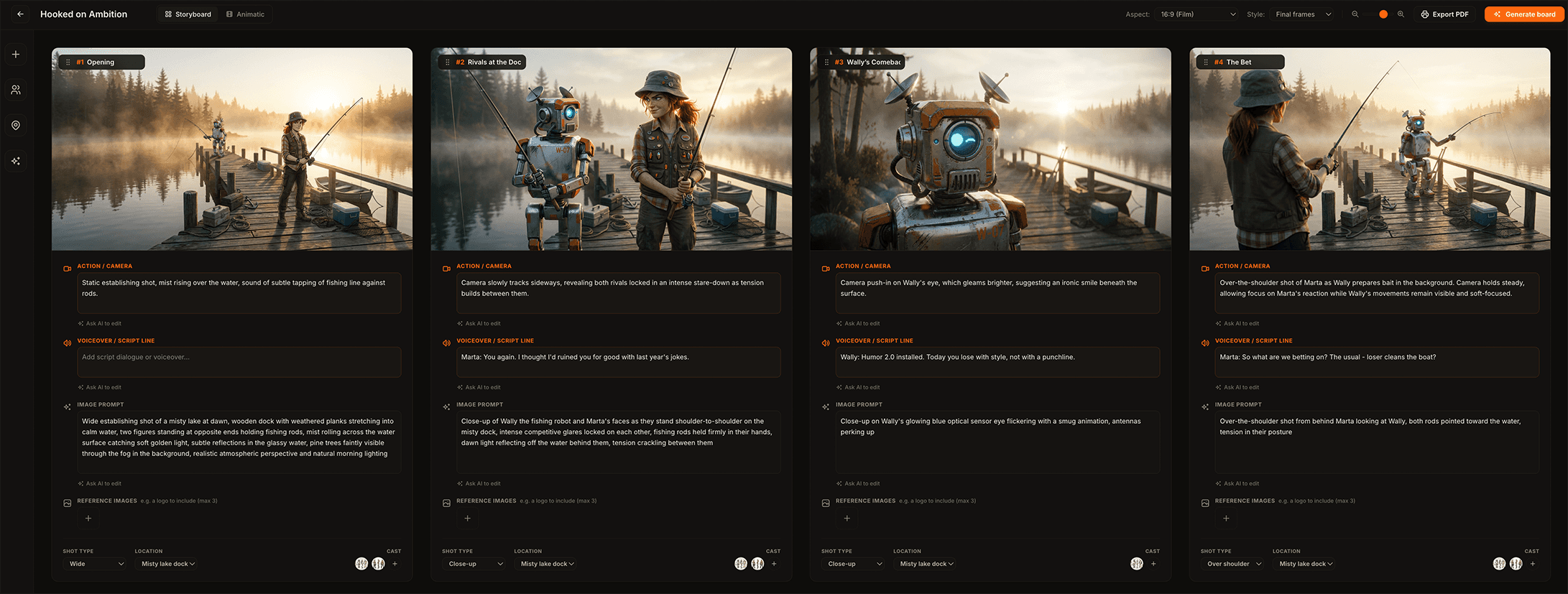
Animboards turns your script into a consistent, shot-by-shot storyboardstoryboardA sequence of drawn frames that plans every shot of a film before it is produced: what is in frame, how the camera moves, and what is said., cuts it into a timed animaticanimaticA rough video cut of the storyboard: the frames timed out on a timeline with voice-over, music and simple motion, showing how the film will flow before it is made. with voice-over, music and camera moves, then renders the approved frames as real video. Live action, advertising, motion design, 2D, 3D and stop motion.
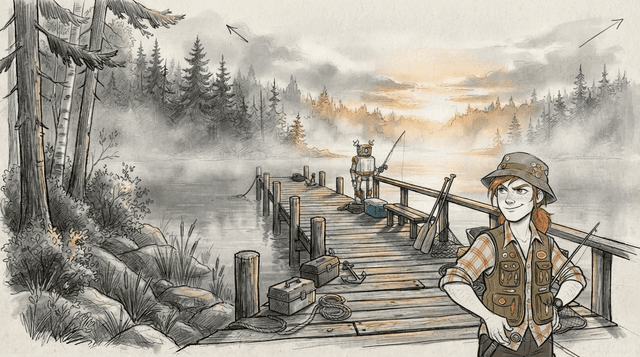
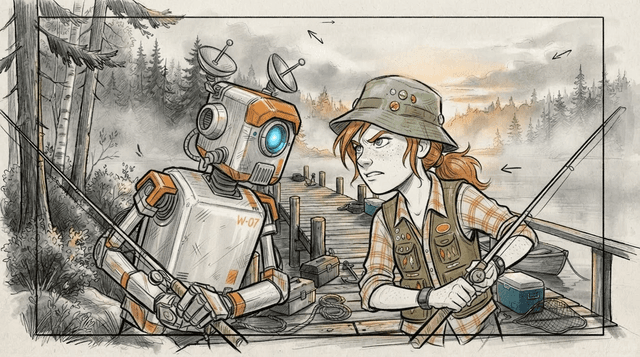
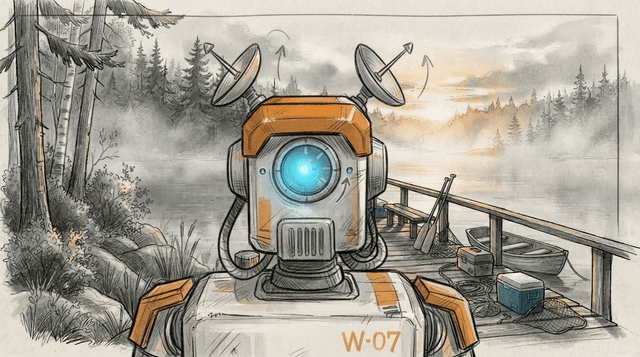
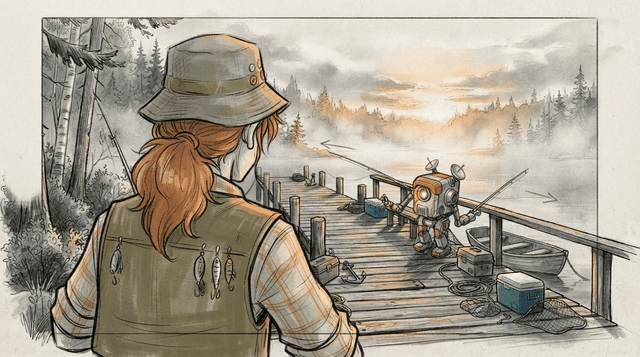
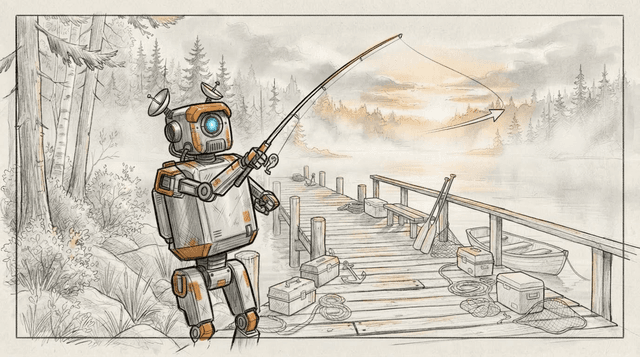
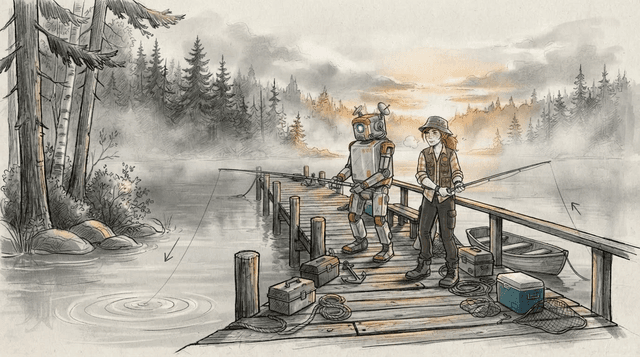
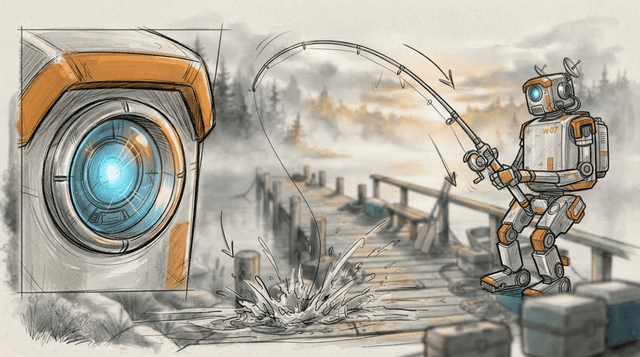
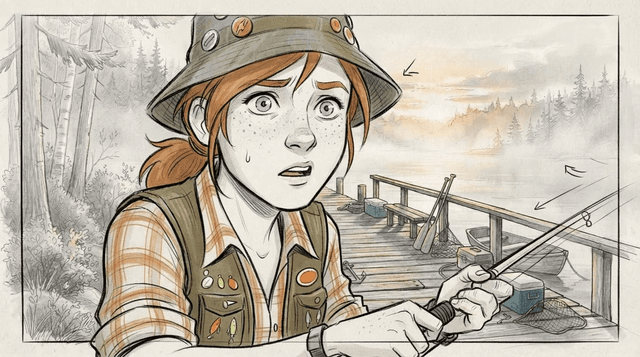
Start with a script.
Or a sentence.
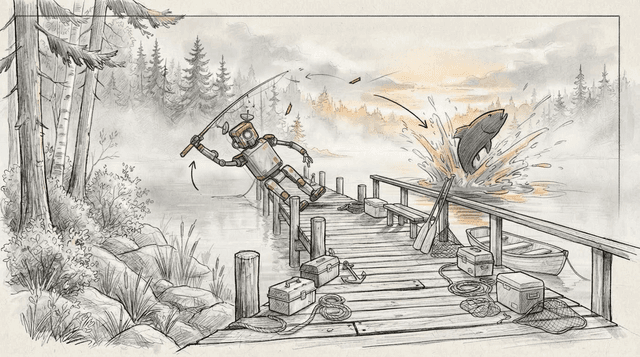
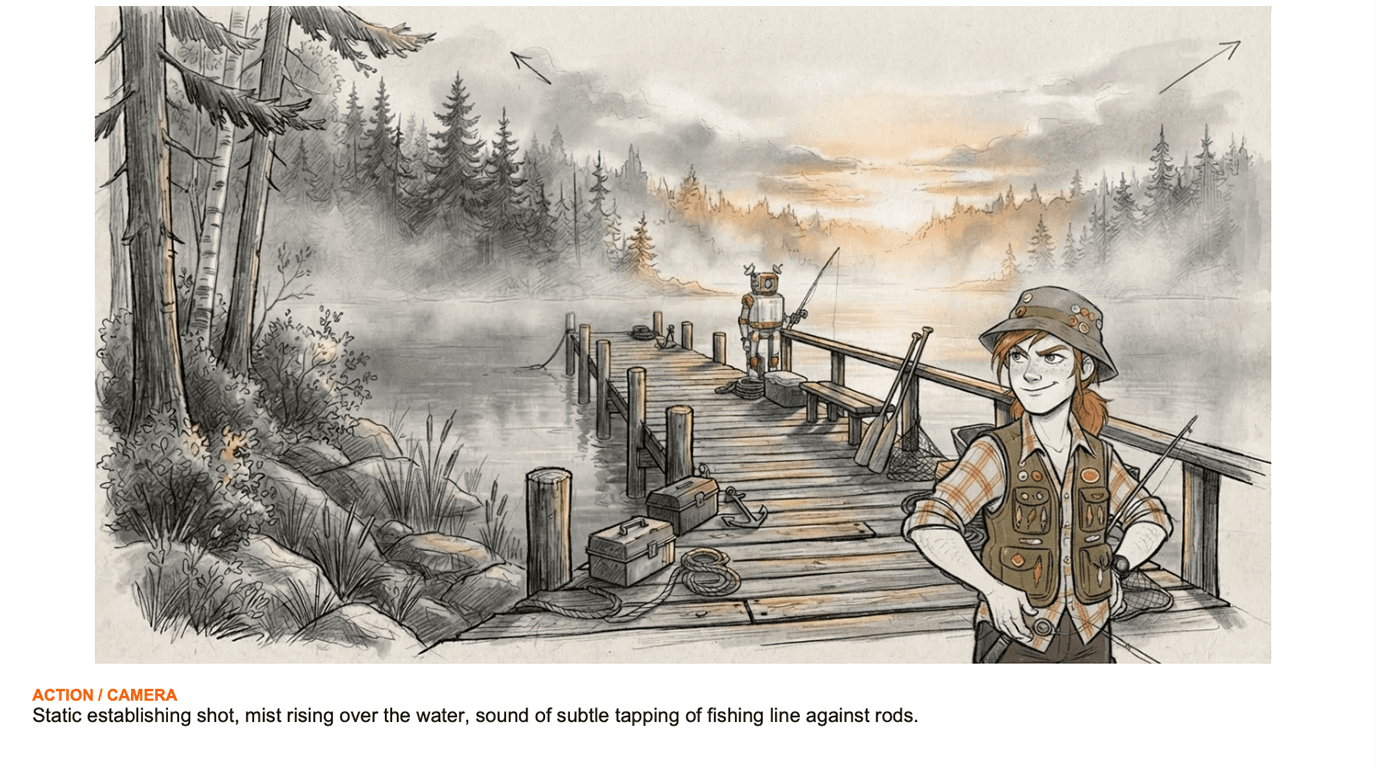
Paste a script and Animboards breaks it into scenes, with action, dialogue, and a suggested shot for each. Or start from a logline and develop it with the assistant.
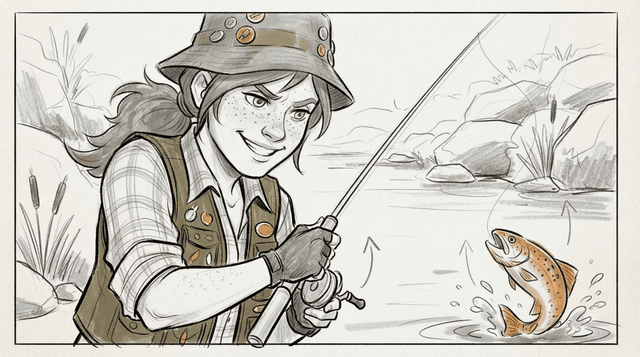
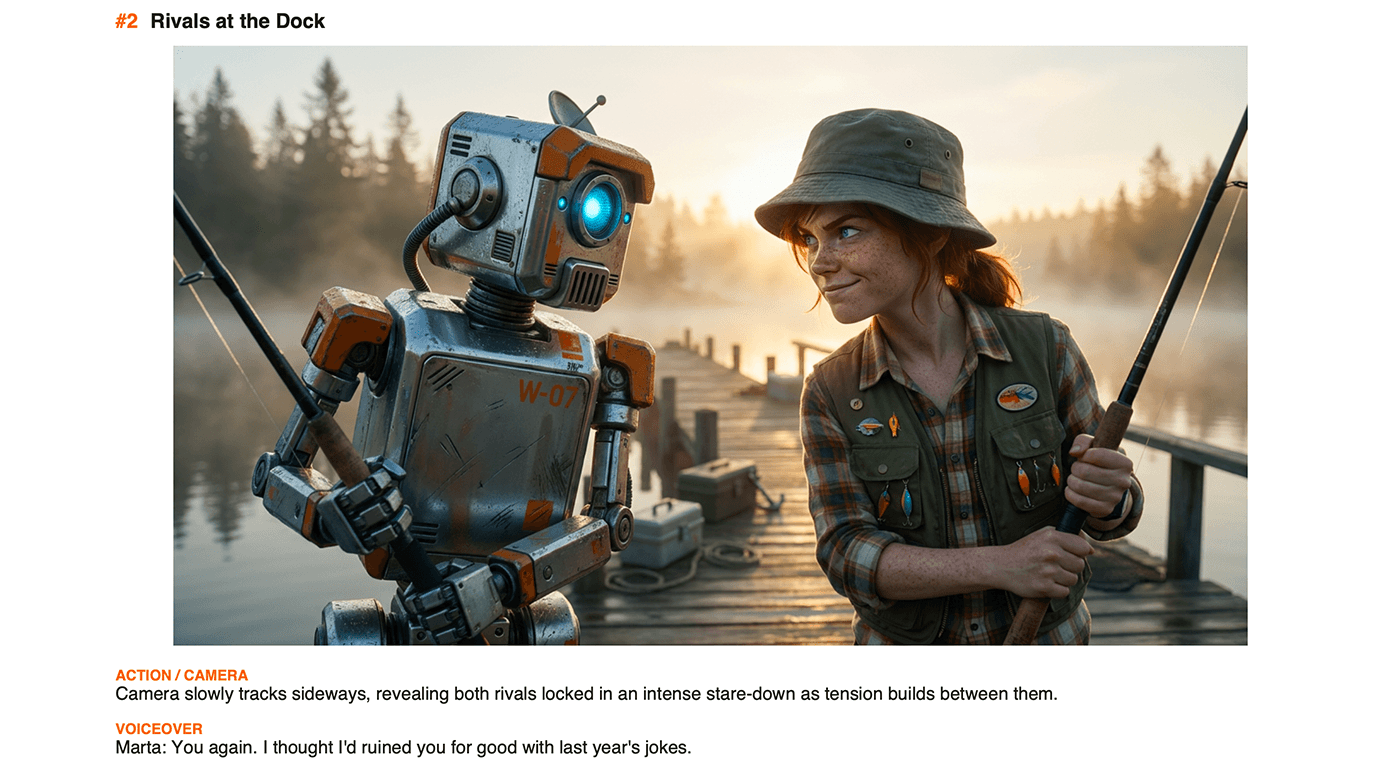
You again. I thought I'd ruined you for good with last year's jokes.
Humor 2.0 installed. Today you lose with style, not with a punchline.
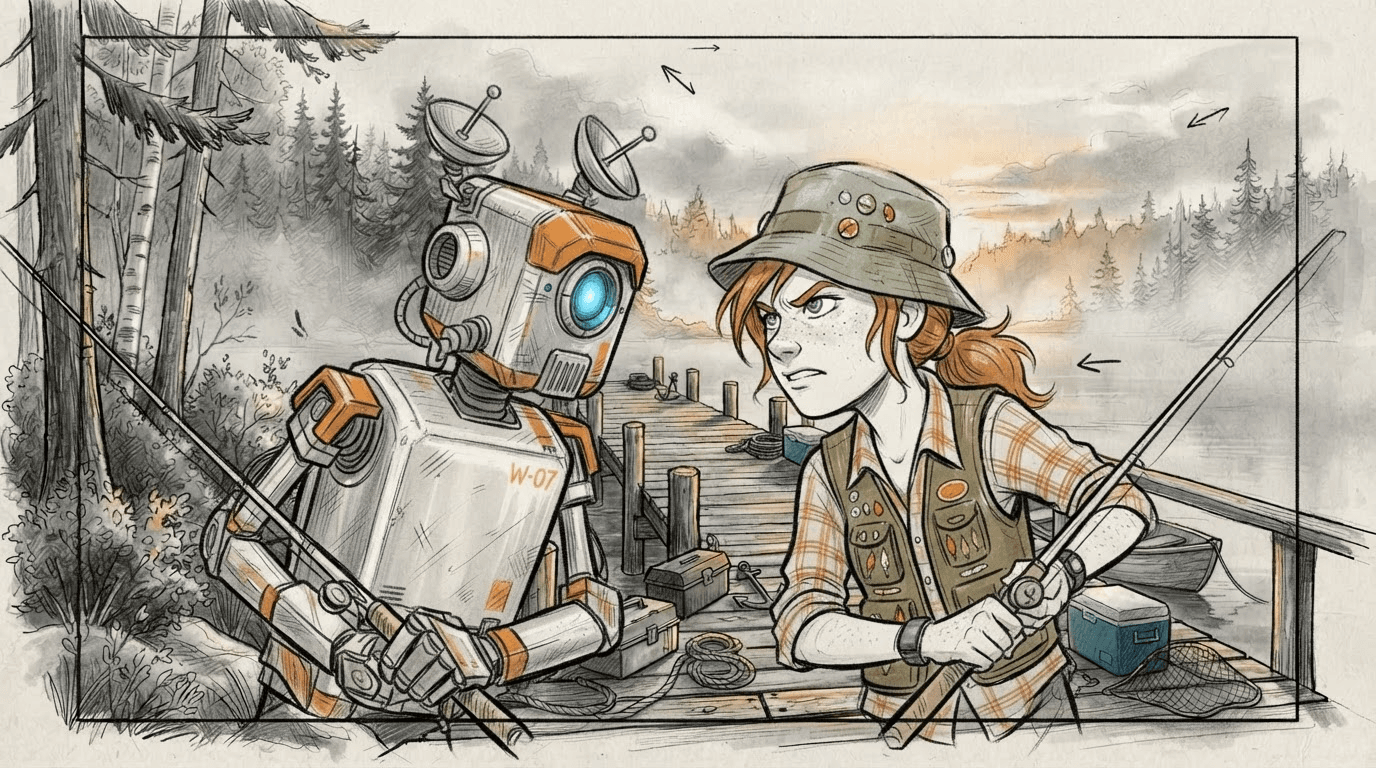
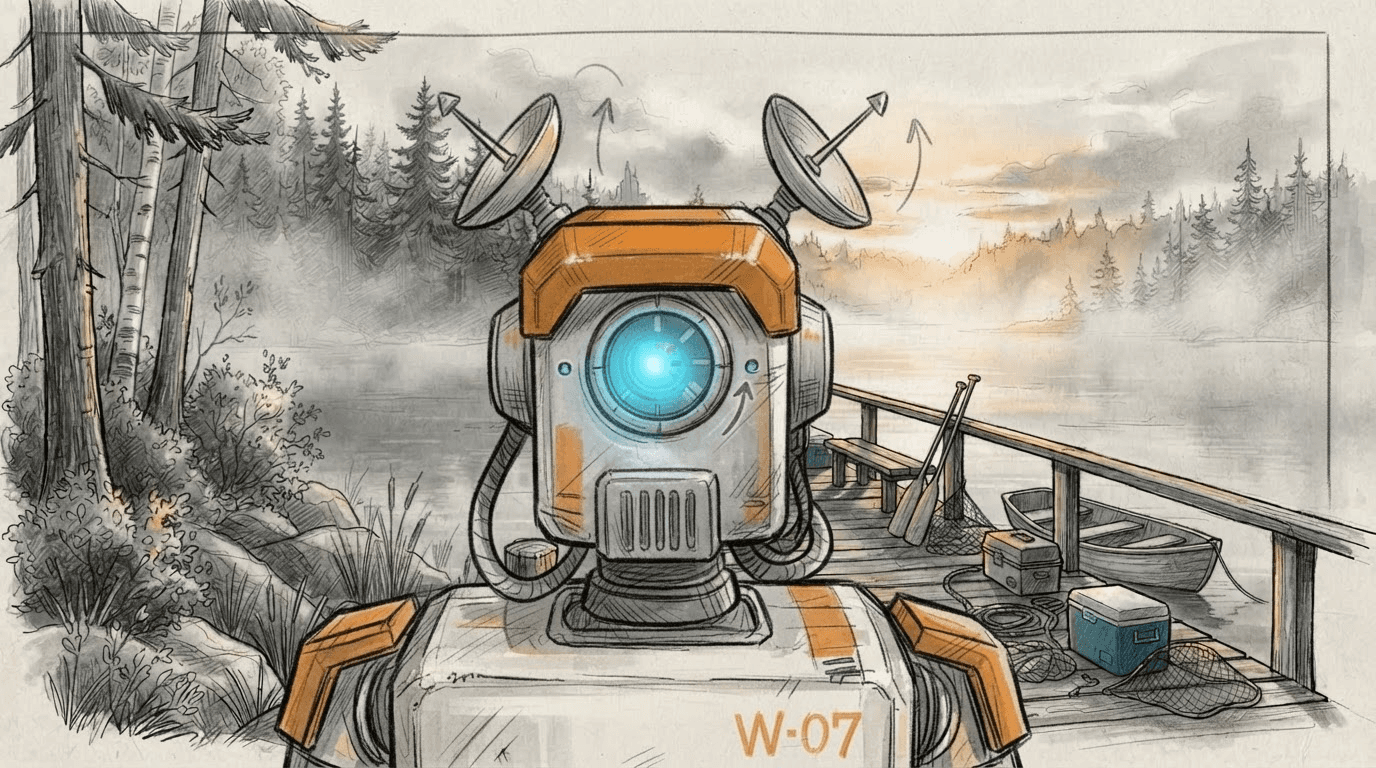
Every frame, directed.
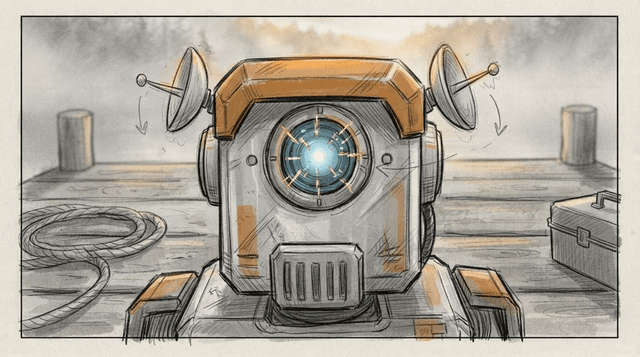
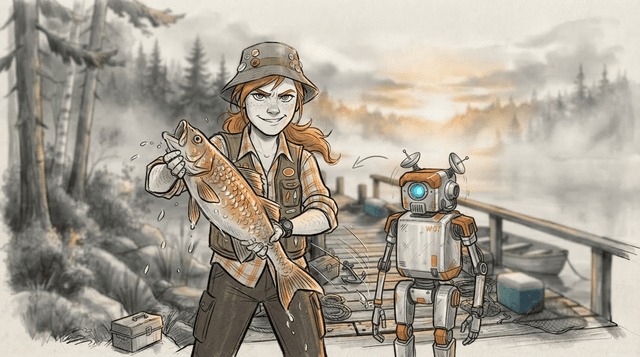
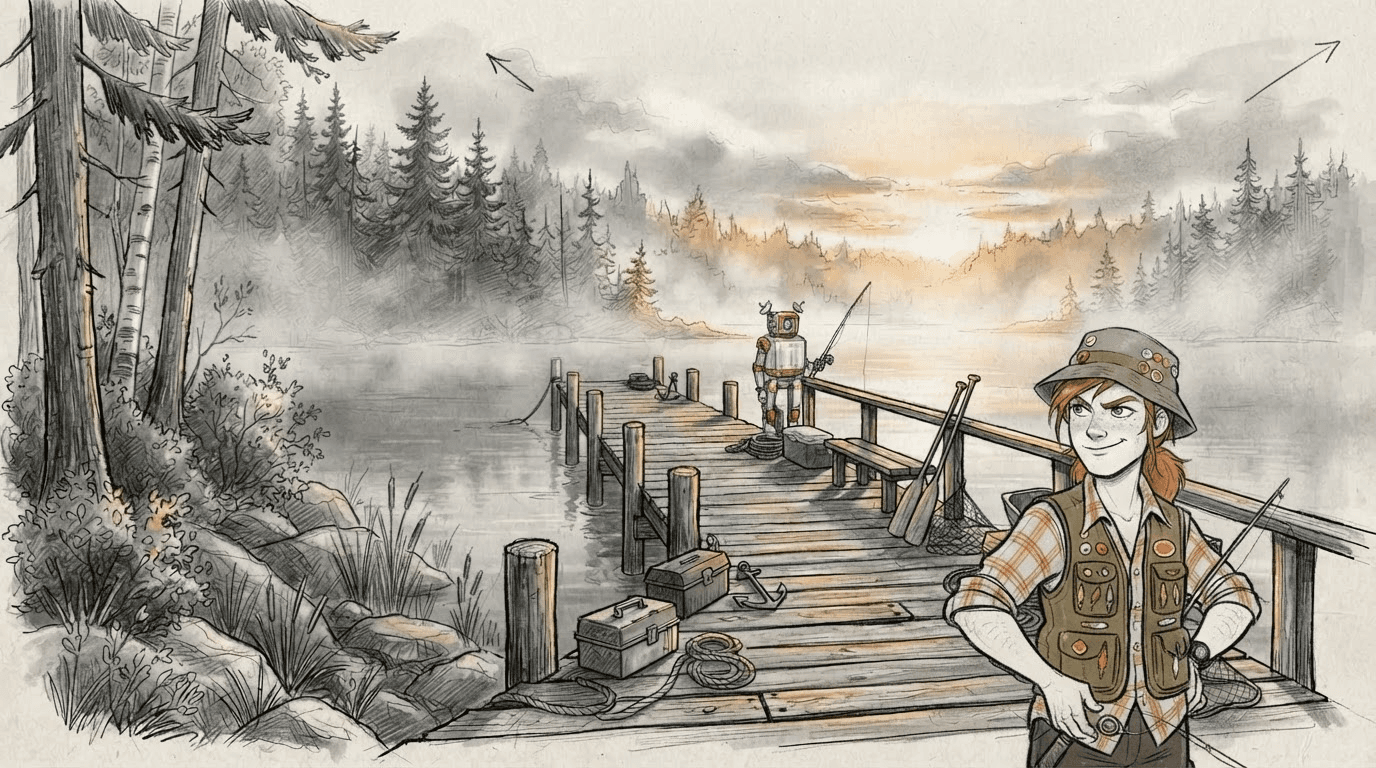
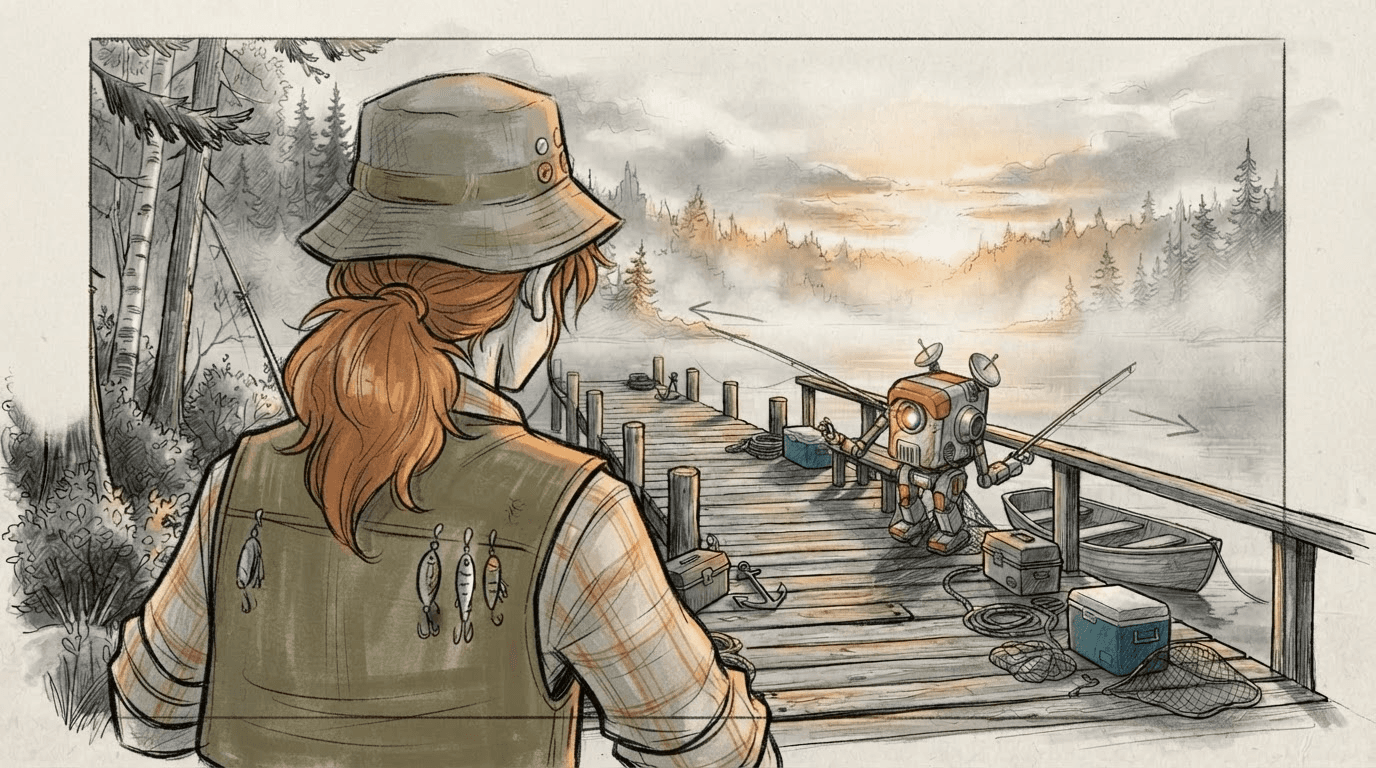
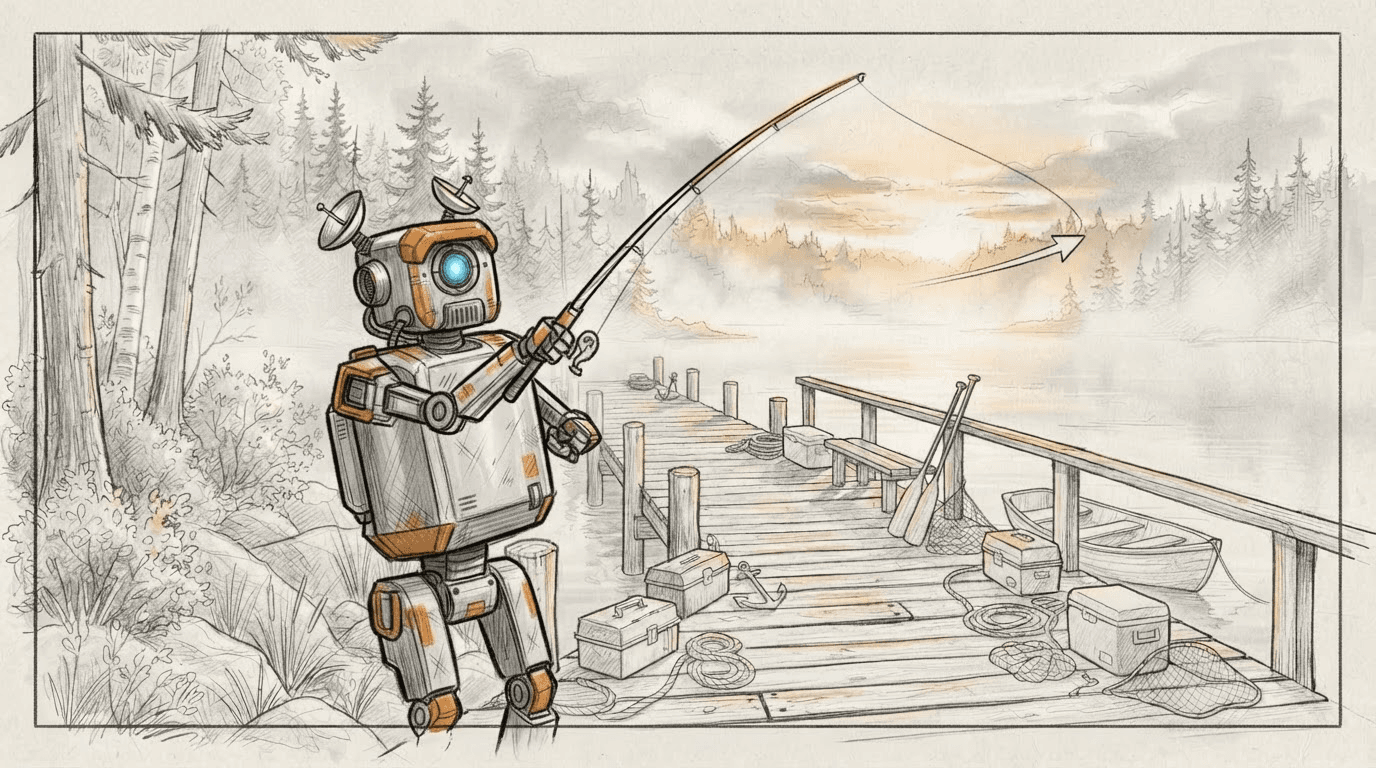
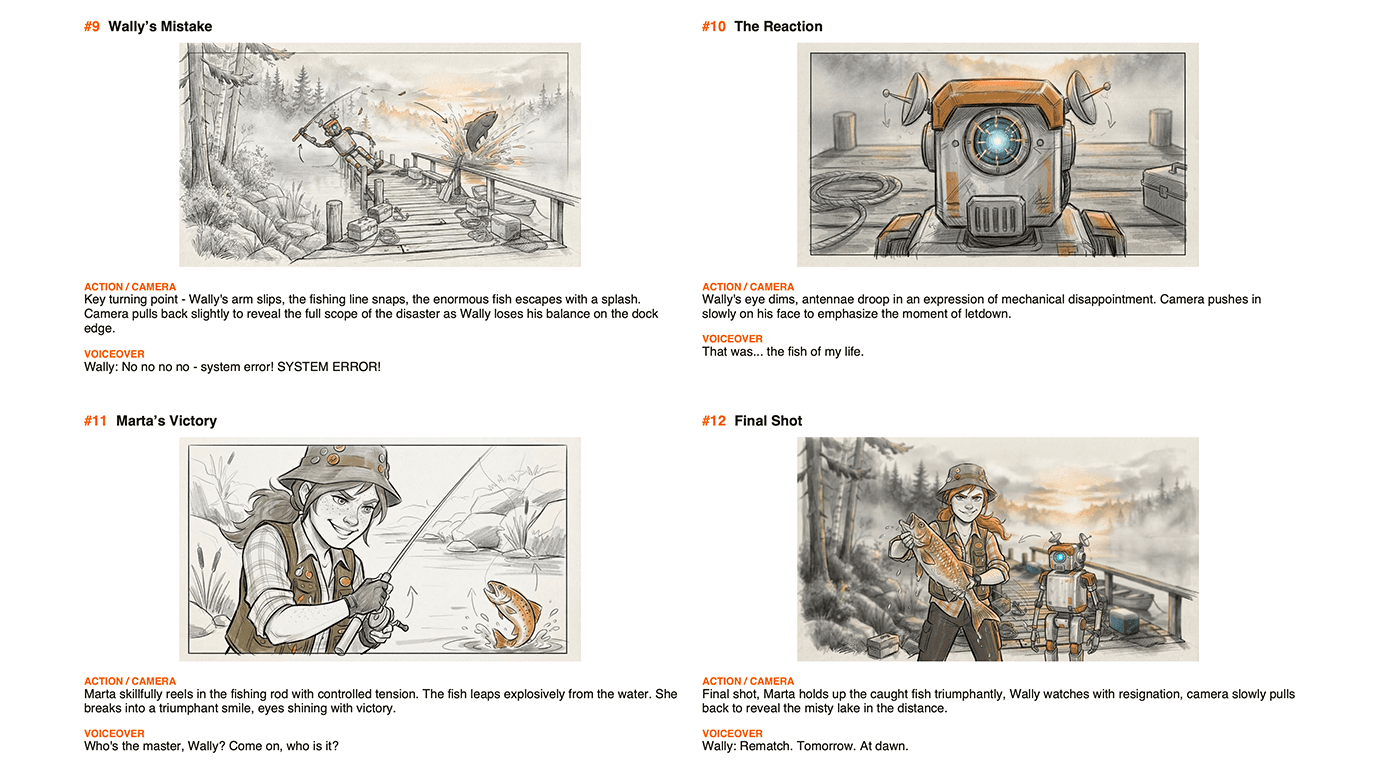
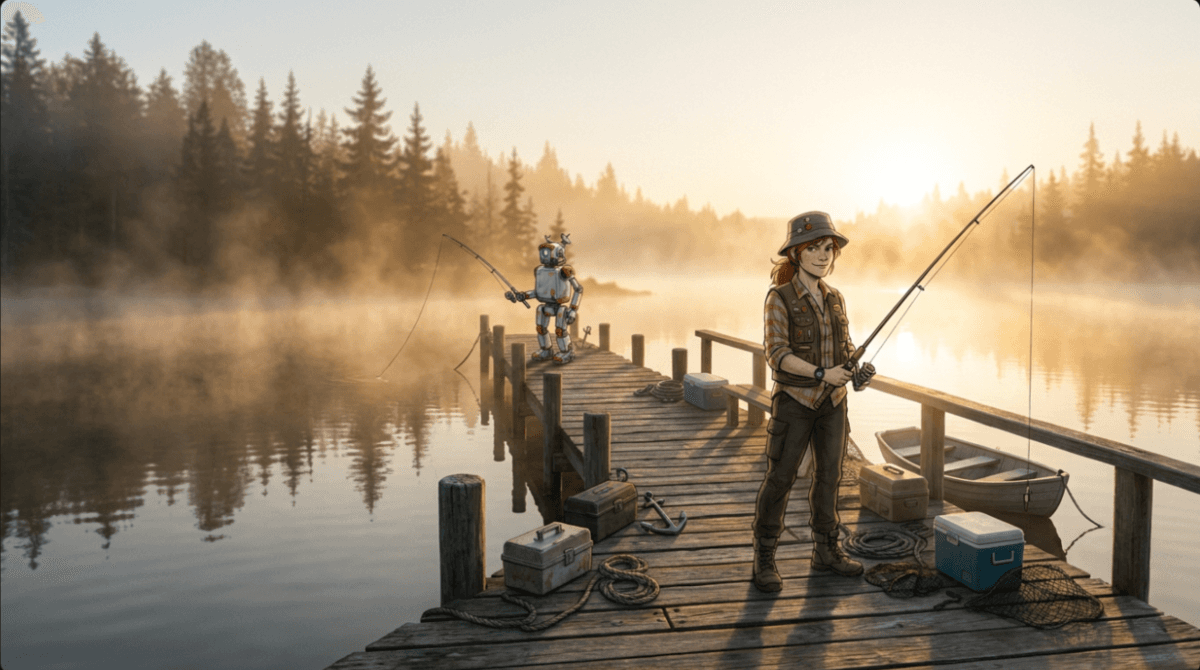
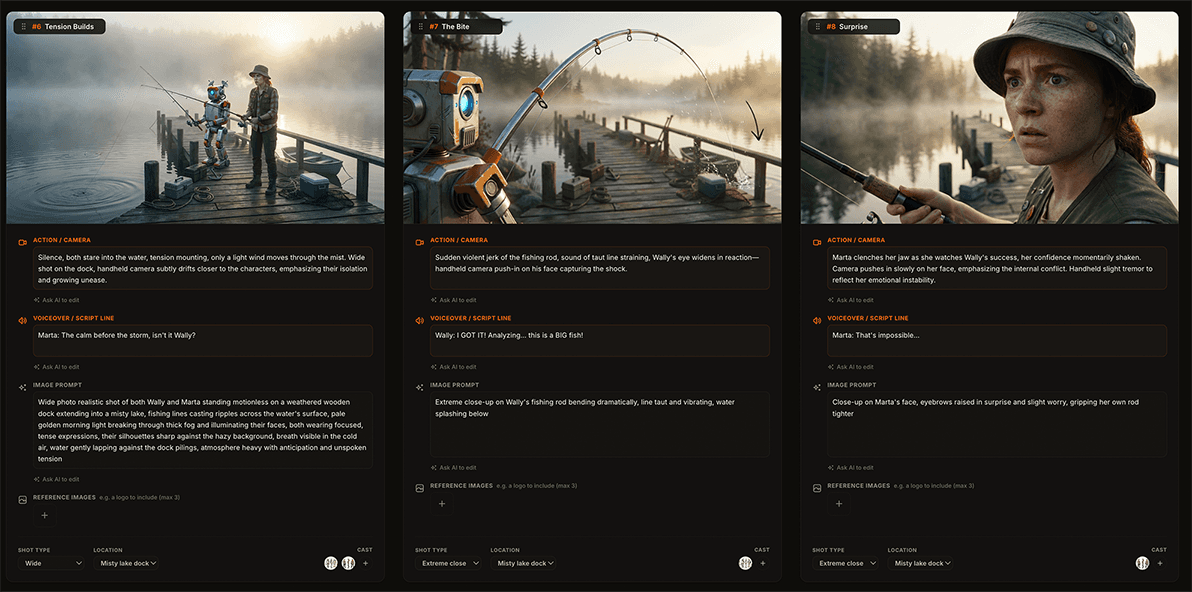
Wide, close-up, over-the-shoulder: real shot types and camera moves, not random images. Iterate the whole board cheaply in rough sketch, then promote your best shots into polished style framesstyle framesA few fully rendered frames that show how the finished film should look: lighting, colour, texture and level of finish. They set the visual target while the rest of the board stays a fast sketch. that lock the final look.
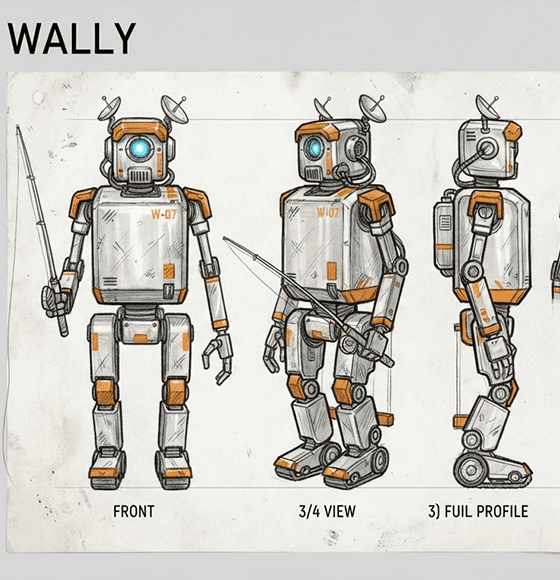
Create the cast once, then anchor every scene to it.
Animboards uses character sheets and location references across the full storyboard, helping faces, clothing, props and environments stay visually connected from scene to scene.
Your board is already a film. Cut it.
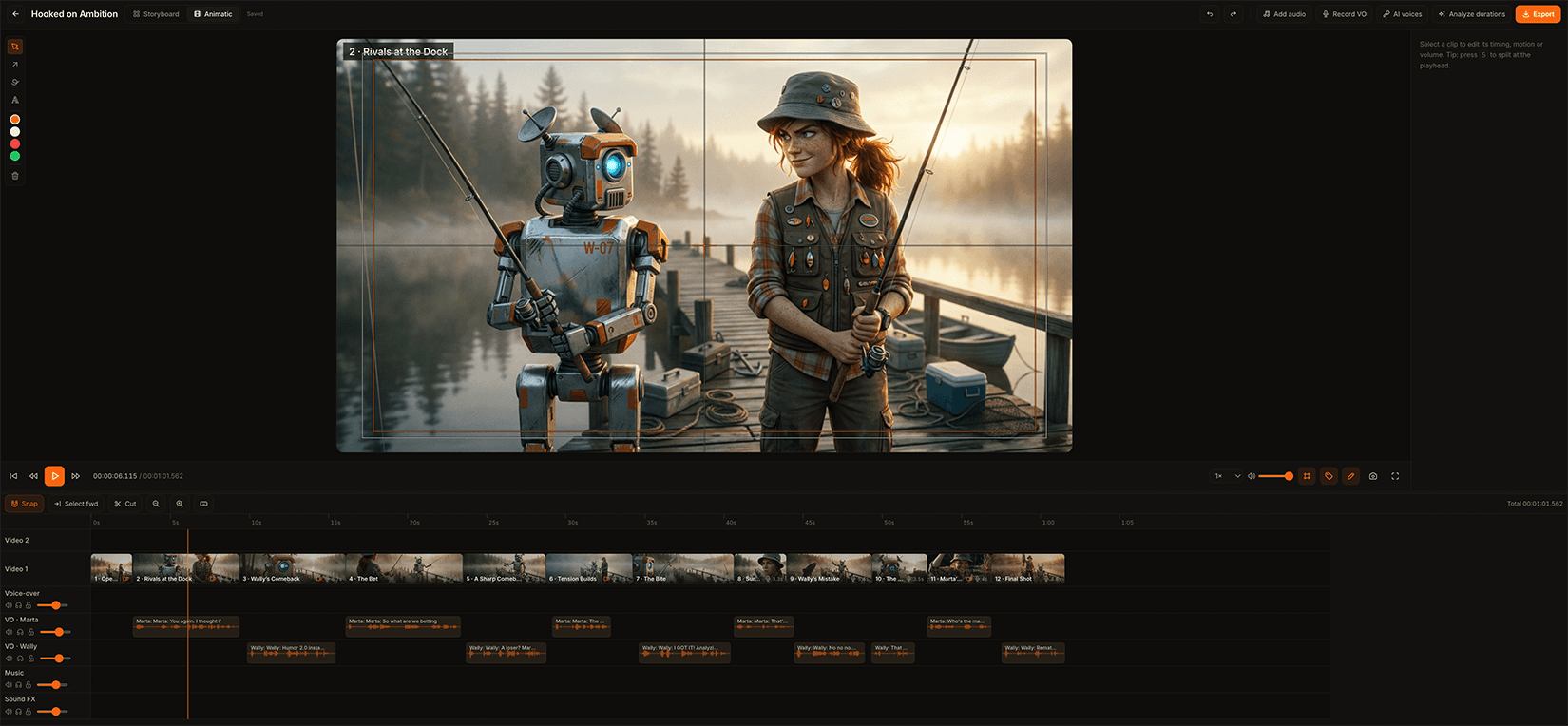
Move your storyboard directly onto a timeline, adjust the rhythm, add character voices, build the sound, and test how the story flows before production begins.
When the board is approved, shoot it.
Turn a frame you have signed off into a moving shot. Pick the model and the resolution; the shot follows the framing you already drew, and lands back on the timeline in place of the still.
Canvas goes further. Compose a shot from your style frame, your characters and a slice of your own animatic as the motion reference, so what comes back moves the way you cut it.
One idea. Two production-ready ways to share it.
Export a clean storyboard PDF for review and production, or a timed MP4 animatic that communicates pacing, dialogue and camera movement.
The room where it gets approved.
Three different rooms, one job: make the idea visible enough that somebody says yes before the money is spent.
Bring your own work, and it is free.
Credits pay for what Animboards makes for you: a frame, a video shot, a voice, a script broken into scenes. Everything else costs nothing.
Upload the character sheets, locations, frames, footage and audio you already have, build the board, cut the animatic, export the PDF and the MP4, and you will not spend a credit. Generate the pieces you are missing when it is faster than making them yourself. That is the whole bill.
New accounts start with free credits that last 30 days. Credits you buy last a year, and unused ones stay refundable for 14 days.
Labelled, and confidential.
Everything you export is marked as AI-generated in a way software can read, which is what European rules now ask for. You can put the EU's AI icon on the frame too. Nothing to switch on.
Your script is not training data. Prompts and boards go to the AI providers to make your work and nowhere else, their content never reaches our logs, and you can download or delete everything you hold from your account page.
I'm Piotr, a Senior Motion Designer. I built Animboards because I was tired of previz taking longer than the pitch. It brings script development, visual references, storyboard generation and animatic editing into one focused workflow.
Direct your next idea.
Questions, answered
Something missing? , it's a one-person operation, so you'll get a real answer.
Only for what the app makes for you. Uploading your own images, character and location sheets, footage and audio costs nothing, and neither does building the board, cutting the animatic or exporting the PDF and the MP4. Credits are spent when Animboards generates something: a frame, a video shot, a voice, a script breakdown. Bring your own material and the tool itself is free.
Yes, and it is a first-class way to work rather than a fallback. Upload the character and location sheets you already have, drop in your own frames, reference images, footage and audio, and generate only the pieces you are missing.
Both. The animatic times your frames out with voice-over and music. Shots turns an approved frame into a rendered video clip, one scene at a time. Canvas goes further: it composes a shot from your style frame, your characters and a slice of your own animatic as the motion reference, so what comes back moves the way you cut it. Everything lands back on the same timeline.
Rough pencil sketches for fast iteration, plus a final look you pick per project: cinematic realism, 3D, 2D, hand-drawn, clay stop motion, paper cut or your own description. You can render the whole board in that style, or keep it sketchy and promote just a few shots into finished style frames.
Each character and location has a reference profile, generated here or uploaded from what you already have. Every generated frame is conditioned on those references, which helps the same face, costume and set stay consistent from scene to scene. It aims for strong continuity rather than pixel-perfect replication.
Yes. Paste any script or treatment and Animboards breaks it into scenes with action, dialogue, and a suggested shot type for each. You can edit every field afterwards, or skip the breakdown entirely and add scenes by hand.
Yes. Each character gets their own AI voice and their own audio track. You can also record your own voice-over or upload audio, which costs nothing.
Prompts and boards go to the AI providers only to produce your output, and their content is never written to our logs. Nothing you make is used to train a model. You can download everything we hold, or delete your account, from your account page.
Yes. Everything you export carries an invisible marking that identifies it as AI-generated, in the format the big platforms and checking tools read, and you can put the EU's AI icon on the frame as well. Nothing to switch on, nothing to remember.
Export a print-ready storyboard PDF, or an MP4 animatic. Boards can also be exported and re-imported as editable files, so a collaborator can pick one up and keep working.
Piotr Sawicki, a Senior Motion Designer. Animboards is built and run by one person, so feedback goes straight to the person building it and usually ships within a week or two.